

FAQs should be the backbone of your self-service strategy. They’re often customers’ top choice for a quick solution – so make that first impression count.
There are endless benefits to FAQs, which is why they’ve stood the test of time. Here are our favourites:
- Keep hold of your customers. 56% of users leave a website at the first sign of frustration, so FAQs are critical for retention.
- Speedy CX. The best FAQs provide quick answers, are easy to use, and available 24/7.
- Efficient online support. Properly designed FAQs are essential for reducing the load of support calls, saving customers’ time and allowing agents to focus on more complex issues.
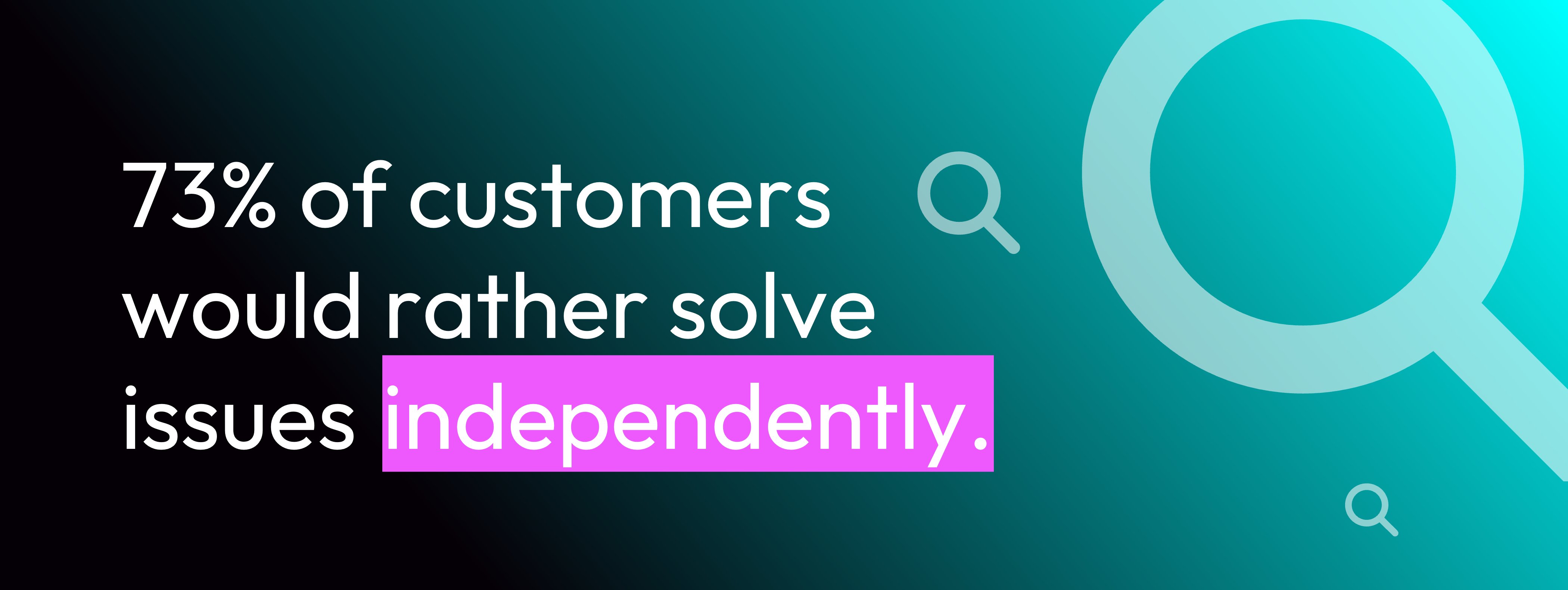
- Effective self-service. 73% of customers would rather solve issues independently – and FAQs are a great way to do just that.
- Boost revenue through customer care. Content with keywords pleases the Google Gods and can help increase your sales. It’s a win-win!
Read on for six crucial steps to help you craft a show-stopping set of FAQs – and get ready for your self-service to skyrocket.
Step 1: Do your research
First things first: gather and analyse data from all your channels on frequently asked questions. Do you know exactly what your customers want to know, and how often? Can you predict what they’ll ask next, to proactively head off any follow-up questions and get that first-time resolution?
Next, draw up a list of keywords or marketing material you’d like to weave in – but use it sparingly. Great CX means keeping the focus and delivering a clear, straightforward solution.
Step 2: Add some structure
You’ve probably got yourself a long list of questions and answers – now it’s time to get organised.
- Group your questions into a few key categories
- Order them with the most frequent queries at the top
- Merge overlapping queries together
A search bar also helps customers to find what they’re after, so it’s a great idea to include one.
We helped the O2 Arena turn a long list of FAQs into a self-service success story.
Step 3: Don’t forget design
Give your FAQ a makeover. Visual aids from images, infographics, GIFs and videos often deliver information much more effectively than words alone. If your customers need help ordering on your website, why not create a video to walk them through the process?
Step 4: Content is key
When it comes to content, aim for a middle ground between detailed and digestible. Use key search terms for your headings, and keep things short and jargon-free in the body text.
Once your content is drafted, make sure it’s aligned with your tone of voice for a smooth customer experience – your FAQs shouldn’t be any more or less formal or technical than the rest of your website.
Step 5: Be AI-Ready
AI is here to stay – so make your FAQs AI-accessible.
Writing for AI is developing all the time, but the important thing is to keep the underlying coding as organized as possible. Use clear labels, and tag specific topics – this will give AI a map to follow, telling it exactly where to look for the right answer.
That way, your FAQs will be highly machine-readable, with minimal confusion, and your customers will get the accurate info they need.

Step 6: Track performance
You’ve now built your FAQs – great! But we can’t jet off on holiday just yet and leave customers to fend for themselves.
Keeping on top of changes and reviewing your data is an important part of managing your FAQ page. Don’t let it become a graveyard for ancient articles or endless groundhog-day duplicates. Maybe some questions aren’t being asked any more, or new ones have popped up? Give your FAQs a spruce regularly – your customers will thank you!
… One more thing!
Why not elevate your FAQs by adding your own chatbot? It can live in the corner of your homepage and customers won’t need to navigate away to find a solution – they’ll be able to get answers immediately.
Remember: chat windows can’t handle lots of text or large videos. We can help you make sure your content is bot-approved.
We crafted Trilanco’s FAQs to integrate with their virtual assistant, so customers can easily find the right articles and screen walkthrough videos.
Q: Ready to kick-start your FAQs?
A: Get in touch today.
We’ve got you covered, and we’ll support you every step of the way.
Just drop us a line or give us a call.